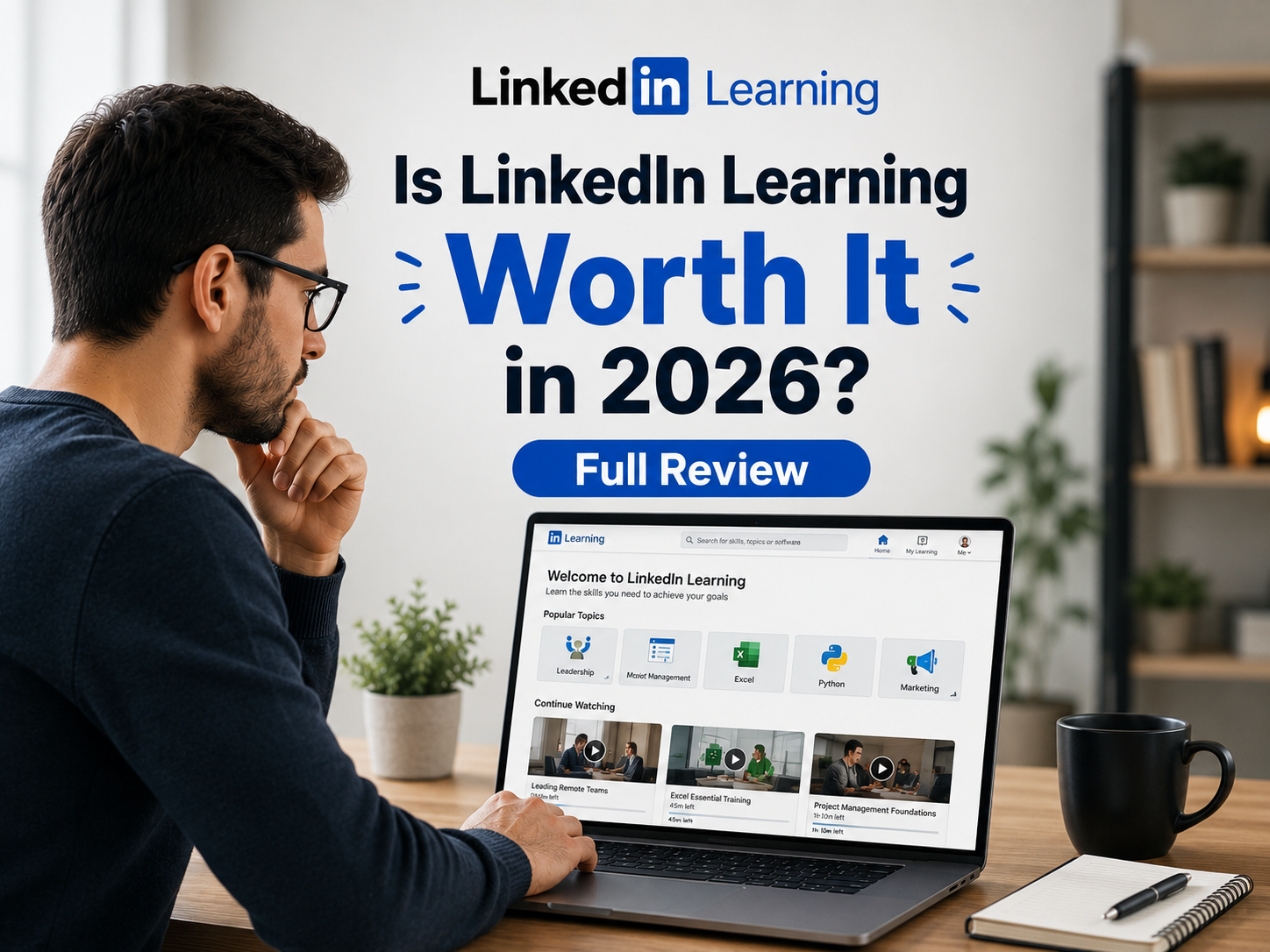
Is LinkedIn Learning Worth It in 2026? Full Review
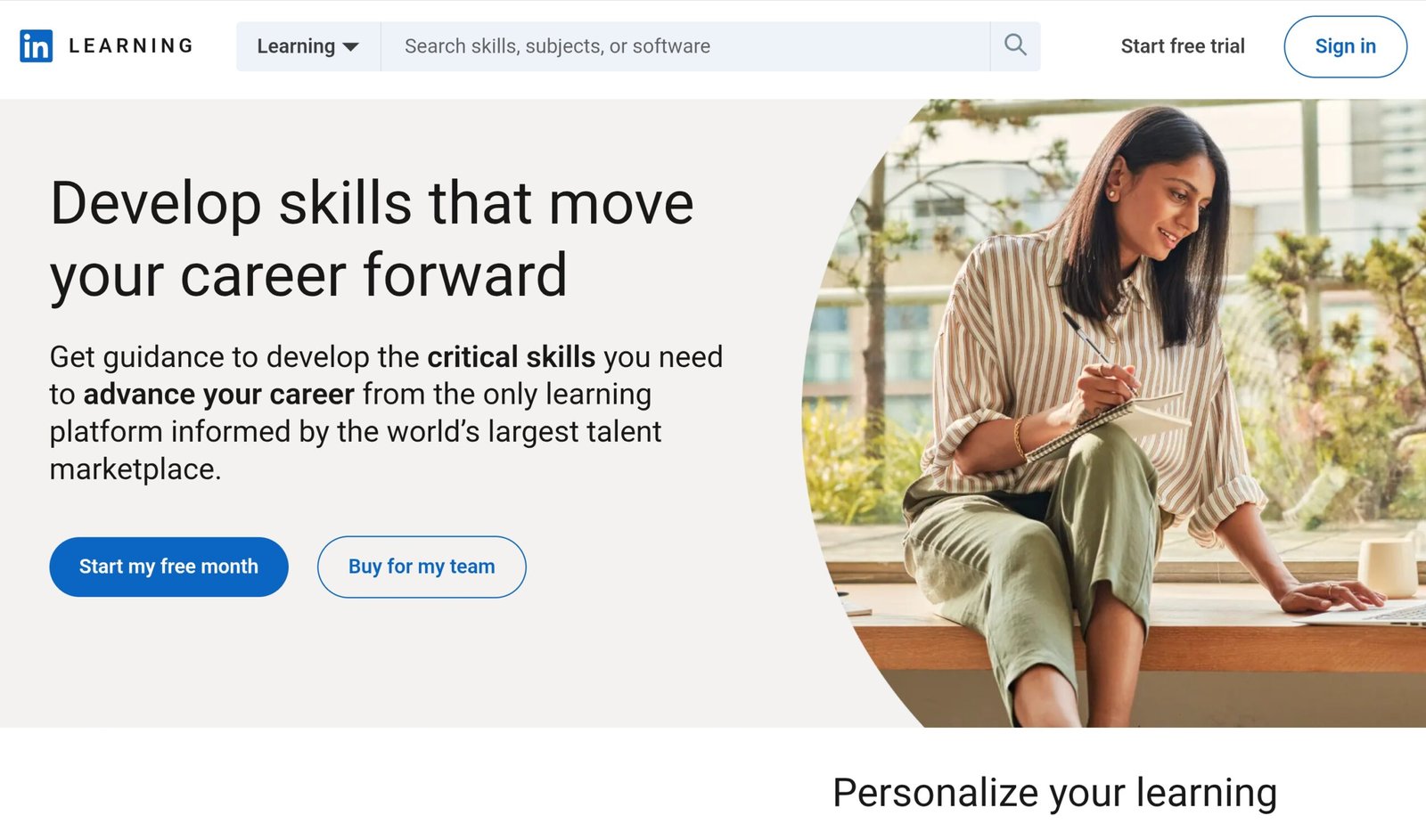
LinkedIn Learning (formerly Lynda.com) is the course platform built into LinkedIn. This review covers what it costs, how to get it free through a library or employer, what its certificates are actually worth, and how cancellation and refunds work. Policy details come from LinkedIn’s Help Center, checked on 30 September 2026. LinkedIn shows the exact price for your account and country at checkout, so treat the price figures below as a guide rather than a quote.
LinkedIn Learning’s strongest point is not course depth. It is the short path from finishing a course to showing it on the profile that recruiters and your network already look at. Check for free access first, because many people never need to pay.
- What is LinkedIn Learning?
- LinkedIn Learning cost: how the plans work
- How to get LinkedIn Learning free
- Course library and quality
- Are LinkedIn Learning certificates worth it?
- Free trial, cancellation and refunds
- LinkedIn Learning vs Udemy vs Skillshare
- Pros and cons
- Final verdict: who should pay for this?
- FAQ
What Is LinkedIn Learning?
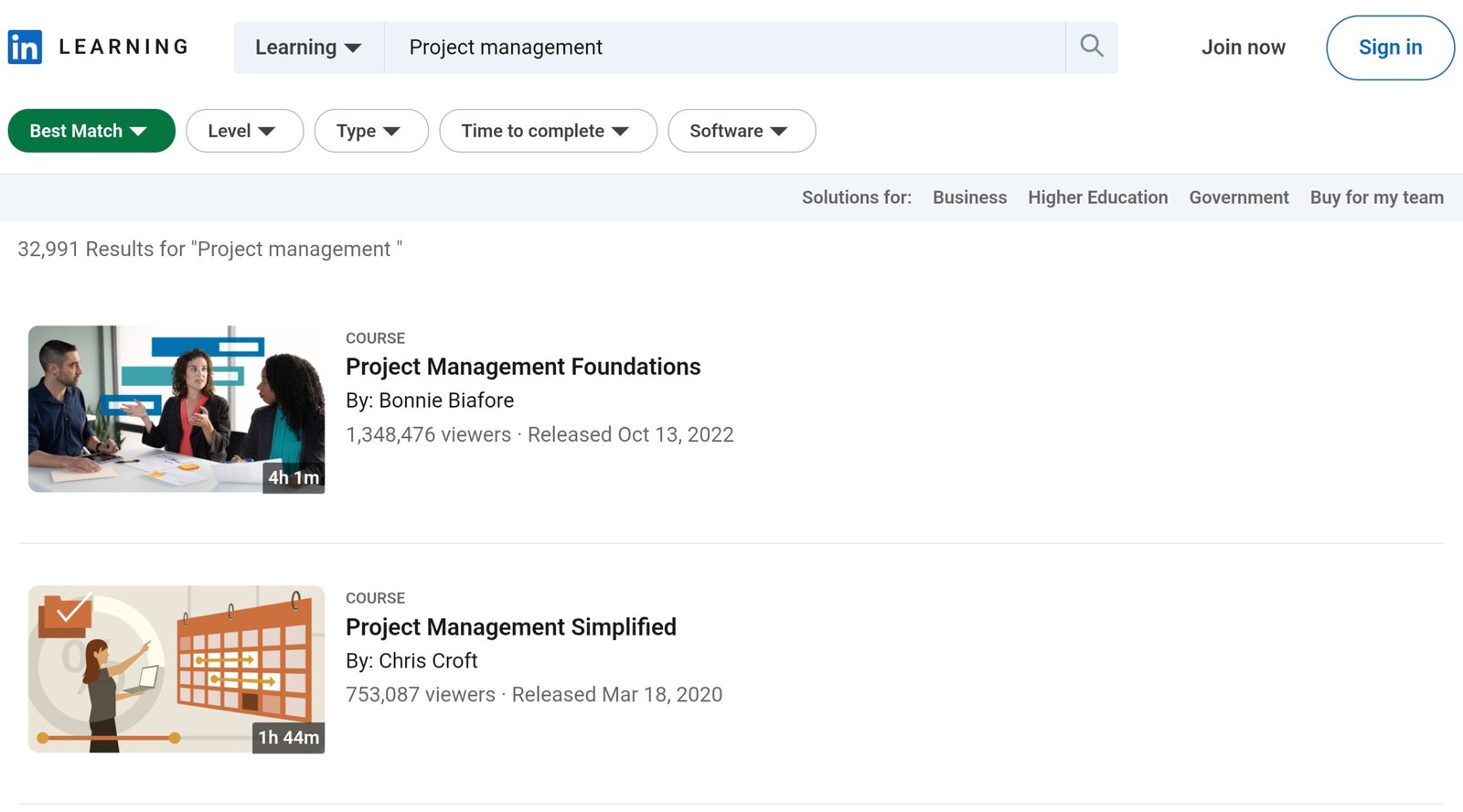
LinkedIn acquired Lynda.com in 2015 and relaunched it as LinkedIn Learning in 2016. It is an online platform for business, technology and creative skills, taught through expert-led video courses. Many courses include exercise files, assessments and video transcripts, and LinkedIn’s Help Center says you can view and download videos offline.
The catalog size depends on how you get in. LinkedIn’s business site describes a library of more than 24,000 courses, while some public library portals list around 16,000, so a library login may show a smaller catalog than a paid account.
The feature that sets it apart from other course sites is the LinkedIn connection. When you complete a course you can add it to your profile as a skill and certificate, and the platform recommends courses based on the skills you say you are interested in.
LinkedIn Learning Cost: How the Plans Work
LinkedIn Learning is sold in a few different ways, and the price you see depends on your country, account and any running promotion. Monthly pricing for the standalone plan has been reported anywhere from $29.99 to $39.99 in the US, so always confirm on the checkout page.
| Option | Typical price (US) | Notes |
|---|---|---|
| Standalone, monthly | $29.99 to $39.99 per month, depending on account, region and promotion | Billed month to month |
| Standalone, annual | $239.88 per year (about $19.99 per month) | Access continues to the end of the paid year if you cancel |
| LinkedIn Premium subscriptions | Priced separately by tier and region | LinkedIn states that all Premium subscriptions include LinkedIn Learning at no additional charge |
| Teams and enterprise | Quote-based through LinkedIn’s business site | Adds admin and reporting tools |
Learning is mainly sold as a subscription. LinkedIn’s refund policy also mentions a 30-day guarantee on individual course purchases, so a single course can sometimes be bought on its own, but availability varies. If you only need one course and the subscription is not free to you, compare the single-course price with a month of access.
How to Get LinkedIn Learning Free
This is worth checking before you enter a card number.
- Public libraries: many libraries give cardholders free access. Some only work through the library’s own portal rather than the LinkedIn Learning homepage, and some still list the service under its old name, Lynda.com.
- Your employer: many companies include LinkedIn Learning in a learning and development benefit, so ask HR before paying personally.
- Schools and universities: some provide access through the library or IT portal. Student pricing on Premium has also been reported at roughly $15 per month, but confirm the current figure with LinkedIn.
- Free trial: LinkedIn Learning offers a one-month trial. As with LinkedIn’s Premium trials, cancel before it ends if you do not want to be charged.
Course Library and Quality
LinkedIn Learning’s catalog is smaller than an open marketplace like Udemy, where many independent instructors publish their own courses. LinkedIn describes its library as curated, and courses come in several formats: full video courses, short nano-learning lessons, and Learning Paths that group several courses toward a goal such as a job role.
Courses lean toward business, software and professional skills. For very deep, narrow technical topics, such as one specific programming framework, a larger marketplace usually has more choice.
Are LinkedIn Learning Certificates Worth It?
It depends on what you want the certificate to do. Every completed course gives you a downloadable certificate of completion, and you can add the course to your LinkedIn profile. These certificates are not formal accreditation, and they do not replace a degree or an industry certification.
The real value is convenience and visibility. The certificate lives on the same profile that recruiters and your network may already be viewing, with no extra steps. Certificates from other platforms can usually be added to a LinkedIn profile manually as well, so the difference is convenience rather than exclusivity.
LinkedIn’s business site also describes Professional Certificates, certification prep and continuing education credits from outside providers. If you need a credential an employer formally recognizes, look at those or at the industry certification itself, not a plain course certificate.
Free Trial, Cancellation and Refunds
Trial: new subscribers get a one-month free trial with access to the library. Cancel before it ends to avoid being charged.
Cancelling: you can end a Learning subscription at any time, but the cancellation option is not available in the mobile apps, so you need a desktop browser. Paid course content stops at the end of your current billing period (the end of the month for monthly plans, the end of the year for annual ones). You keep access to your completed courses so you can still add them to your profile.
Refunds: LinkedIn’s refund policy says Learning subscriptions may be refundable within 7 days of being charged, as long as you have not used premium features. Individual course purchases carry a 30-day refund guarantee. In Denmark and the Netherlands, LinkedIn says it will cancel with one month’s notice and refund the remaining period, and in Germany the same applies except for the first year of an annual subscription. Purchases made through the Apple app store follow Apple’s refund rules instead.
LinkedIn Learning vs Udemy vs Skillshare
LinkedIn Learning is a third option rather than a clone of either. If you have read our Skillshare vs Udemy comparison, this is where it sits:
| Factor | LinkedIn Learning | Udemy | Skillshare |
|---|---|---|---|
| How you pay | Subscription, or included in Premium | Mostly individual courses | Subscription |
| Where the course lives | Built into your LinkedIn profile | Separate account | Separate account |
| Catalog style | Curated, business and professional skills | Open marketplace, very broad | Creative and project-based classes |
| Best for | Job seekers and professional skills | One-off or deep technical topics | Creative skill-building |
For the full picture on the other two, read our Is Udemy Worth It review and Is Skillshare Worth It review.
Pros and Cons
- ✓ Completed courses can be posted to your LinkedIn profile
- ✓ Curated library with exercise files, transcripts and offline viewing
- ✓ Often free through libraries, employers or schools
- ✓ Included with every LinkedIn Premium subscription
- ✓ One-month free trial
- ✕ Standalone monthly pricing is not cheap next to per-course platforms
- ✕ Less choice for deep technical topics than an open marketplace
- ✕ Certificates are not formally accredited
- ✕ Refunds are limited and cancelling requires a desktop browser
- ✕ Pricing and library size vary by region and access method
Final Verdict: Is LinkedIn Learning Worth It in 2026?
Pay for it if you are actively job hunting, want your learning visible on your professional profile, or already use LinkedIn Premium, in which case you already have access.
Skip paying if you only want to learn one skill cheaply. Check your library card, employer and school first. If none of them gives you access and you only need one topic, compare the price of a single course elsewhere with a month of LinkedIn Learning.
Best path: look for free access, use the one-month trial to see whether the style suits you, and only then decide between a monthly plan, an annual plan or Premium.
Frequently Asked Questions
Does LinkedIn Premium include LinkedIn Learning?
Yes. LinkedIn’s Help Center states that all LinkedIn Premium subscriptions include access to LinkedIn Learning at no additional charge, so you do not need a separate Learning plan if you already have Premium.
Can I buy a single LinkedIn Learning course?
Sometimes. LinkedIn’s refund policy refers to a 30-day guarantee on individual course purchases, but Learning is mainly sold as a subscription, and availability of single-course purchases can vary. Check the course page for a purchase option.
Can I cancel LinkedIn Learning on my phone?
Not for a Learning subscription. LinkedIn says the billing settings for Learning are not available in its mobile apps, so you need to cancel from a desktop browser under Settings in your Learning account.
What happens to my certificates if I cancel?
Paid course content stops at the end of your billing period, but LinkedIn says you keep access to your completed courses so you can still add them to your profile.
Are LinkedIn Learning certificates accredited?
No. They are certificates of completion, not accredited degrees or industry certifications. Their main value is that they can be added to your LinkedIn profile.
Can I get LinkedIn Learning through my library?
Often, yes. Many public libraries offer free access with a library card. Some only allow access through the library’s own portal, and some still list it as Lynda.com, so search your library’s website or ask a librarian.
Can I get a refund on LinkedIn Learning?
LinkedIn’s refund policy says a Learning subscription may be refundable within 7 days of being charged if you have not used premium features, and individual courses have a 30-day guarantee. Another LinkedIn help page says Learning subscriptions are not refunded, so plan to cancel before the renewal date instead of relying on a refund.