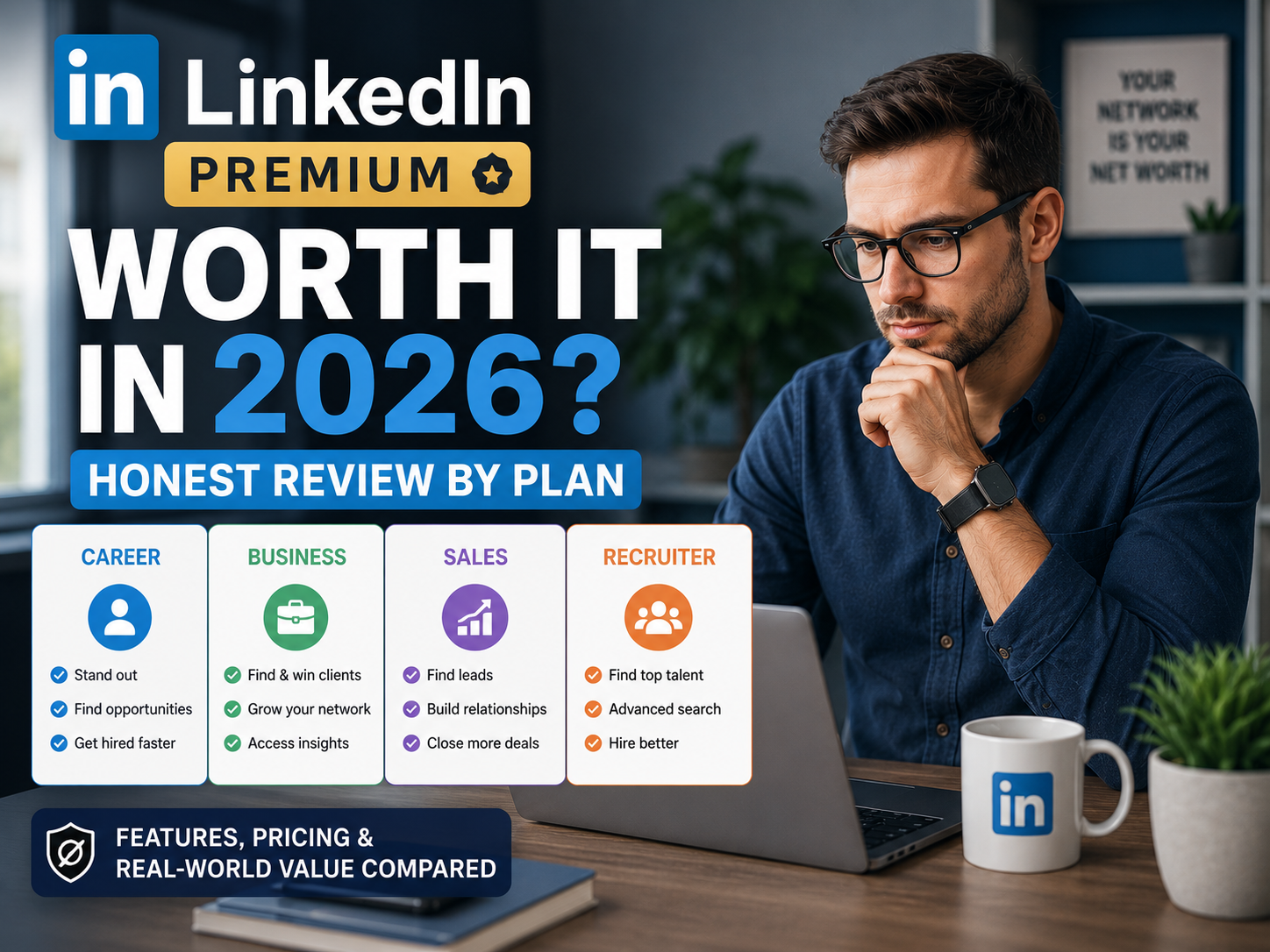
Is LinkedIn Premium Worth It in 2026? Honest Review by Plan
Is LinkedIn Premium worth it? That depends on which plan you mean, because “Premium” is several different subscriptions built for different jobs. This review compares Premium Career, Premium Business, Sales Navigator and Recruiter Lite using LinkedIn’s own plan and pricing pages, and covers the free trial, the veterans offer, student pricing and how to cancel.
For people who mostly read content and message existing connections, the free account is enough. For someone actively job hunting and messaging recruiters every week, Premium Career can pay for itself through InMail credits and the job-matching tools. Business only makes sense if you need unlimited people search and company insights, and the other plans are for sales and hiring work.
- What is LinkedIn Premium?
- LinkedIn Premium plans and pricing
- Is LinkedIn Premium Career worth it?
- Is LinkedIn Premium Business worth it?
- What about Sales Navigator and Recruiter Lite?
- What the free LinkedIn account limits
- Does LinkedIn Premium help you get a job?
- Can LinkedIn Premium see anonymous viewers?
- Free trial, veterans offer and student discount
- How do I cancel LinkedIn Premium?
- Pros and cons by plan
- Should you get it? A decision framework
- FAQ
What Is LinkedIn Premium?
LinkedIn Premium is the umbrella name for LinkedIn’s paid subscriptions. The main ones are Premium Career for job seekers, Premium Business for networking and business development, Sales Navigator for sales prospecting, and Recruiter Lite for sourcing candidates. LinkedIn also sells Premium All-in-One and Premium Company Page for small businesses. Most confusion about whether Premium is worth it comes from comparing the wrong plan to your goal.
One shared benefit: LinkedIn states that all Premium subscriptions include LinkedIn Learning at no additional charge. If you are weighing Learning on its own, see our Is LinkedIn Learning Worth It review.
LinkedIn Premium Plans and Pricing
These are the prices on LinkedIn’s own Premium Career and Premium Business pages, which LinkedIn marked as last updated on 20 April 2026. LinkedIn notes that its listed prices are estimates, can exclude local taxes and promotions, and are shown in local currencies such as AUD, CAD, EUR and GBP.
| Plan | Monthly | Annual | Built for |
|---|---|---|---|
| Premium Career | US$39.99 | US$239.88 (about $19.99 a month; LinkedIn calls it a 50% saving) | Job seekers |
| Premium Business | US$69.99 | US$539.88 (about $44.99 a month; LinkedIn calls it a 36% saving) | Networking and business development |
| Sales Navigator Core | Reported at roughly $100 to $120 | Check LinkedIn | Sales prospecting |
| Recruiter Lite | Reported at around $170 | Check LinkedIn | Sourcing candidates |
Both Career and Business also have a Duo option, where two people each get their own license under one subscription at a lower combined price. LinkedIn lists Career Duo from US$59.98 a month or US$359.88 a year, and Business Duo from US$118.98 a month or US$917.98 a year.
Is LinkedIn Premium Career Worth It?
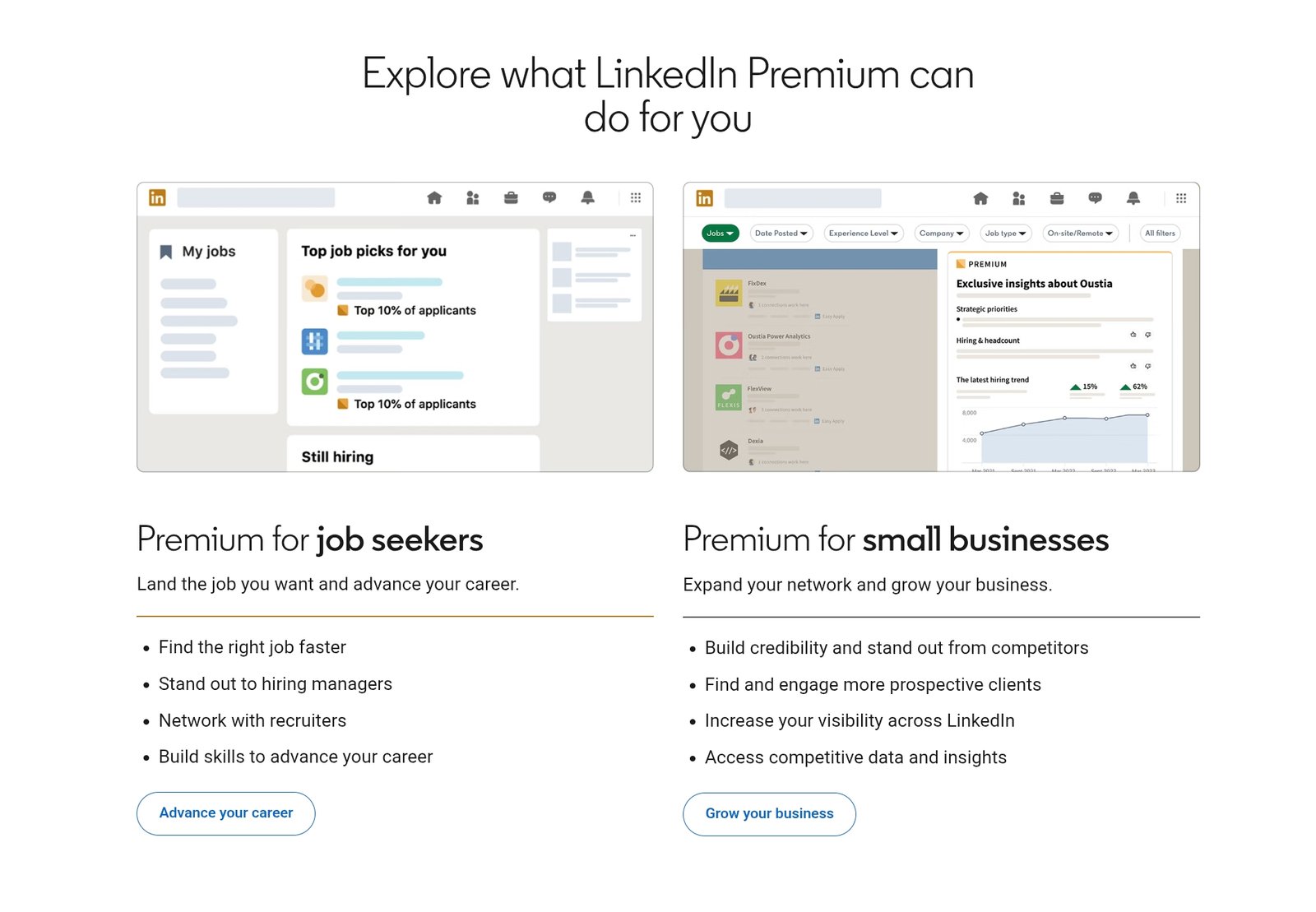
Premium Career is the plan most people mean when they ask about LinkedIn Premium. According to LinkedIn’s Career page it includes:
- 5 InMail credits a month to message people outside your network, including hiring managers.
- Top applicant jobs, which highlight roles where you already look like a strong match, and Top choice jobs, which let you flag a job as a priority when you apply.
- Advanced search filters for jobs and for people who are hiring.
- AI-powered insights on job posts, profile writing suggestions and a message proofreader. LinkedIn notes that some features are not available in every country or language.
- Who’s viewed your profile with viewer lists and trends, plus the ability to browse profiles anonymously.
- LinkedIn Learning, which LinkedIn says covers more than 25,000 courses.
Our take: if you are applying to several roles a week and will actually use the InMail credits to contact recruiters, the cost of a month or two can be small next to a faster search. Five InMail credits a month is not much for broad outreach, so Career suits focused searches rather than mass messaging. If you are only passively open to offers, the free account covers most of what you need.
Is LinkedIn Premium Business Worth It?
Premium Business is aimed at professionals and small business leaders rather than job seekers. LinkedIn lists 15 InMail credits a month, unlimited people and company search, business insights such as company growth and hiring activity, profile visitor data, a custom call-to-action button, a featured section and cover images, and personalized suggestions for warm introductions through your network. It also includes LinkedIn Learning.
It makes the most sense for consultants, founders and business-development professionals who search for people and companies often and would otherwise hit the free account’s search cap. If your work is mainly outbound sales, Sales Navigator is the purpose-built tool, so compare the two before paying for Business. If you are a job seeker, Career is the better match and Business adds little for you.
What About Sales Navigator and Recruiter Lite?
These are separate products with their own interfaces and higher prices. Sales Navigator is built for sales teams, with lead lists, advanced filters and alerts, and it earns its cost mainly when a single closed deal is worth more than months of subscription. Recruiter Lite is for sourcing and contacting candidates, so it is meant for recruiters and hiring managers rather than people looking for a job. Third-party trackers put Sales Navigator Core at roughly $100 to $120 a month and Recruiter Lite at around $170 a month, but check LinkedIn’s own pages because these tiers change more often than Career and Business.
What the Free LinkedIn Account Limits
A free account lets you build a full profile, post, comment, message existing connections, apply to jobs and search the network. The main restriction people hit is LinkedIn’s commercial use limit, a monthly cap on searching and viewing profiles through search. When your activity looks like prospecting or recruiting, people search stops returning results until the calendar month resets. LinkedIn does not publish the exact number, and third-party reports put it at a few hundred searches a month.
Hitting this limit is a sign you may need more than the free tier, but it does not automatically mean Career is the answer. LinkedIn’s Business plan lists unlimited search, while its Career page does not, so the plan that removes the cap is Business (or Sales Navigator and Recruiter).
Does LinkedIn Premium Help You Get a Job?
LinkedIn reports some encouraging numbers on its own pages. It says Premium subscribers are 2.7x more likely to get hired on average (data from January 2022), that Premium subscribers who apply with Top Choice Jobs are 2x more likely to get a message back from a recruiter (June 2026), and that InMail is 5.7x more likely to get a reply than cold email. These are LinkedIn’s own figures and the company has a commercial interest, so treat them as directional rather than independently verified proof that Premium causes better results.
What is sensible regardless of the statistics: InMail lets you contact a hiring manager directly, and job-matching tools help you decide where to spend your time. Whether they help you depends on whether you use them. Subscribers who never open the tools are paying for features they do not use.
Can LinkedIn Premium See Anonymous Viewers?
Premium shows a fuller list of who viewed your profile than the free account, with viewer trends and insights. It generally does not reveal the identity of members who have chosen private browsing in their settings, because that choice is theirs. LinkedIn also lists anonymous browsing as a Premium Career feature for your own profile viewing.
Free Trial, Veterans Offer and Student Discount
Free trial: LinkedIn offers a free trial on Premium Career and Business for eligible accounts, and its pages tell you to check at checkout whether you qualify. The trial usually lasts one month and needs payment details. Note that cancelling a free trial ends Premium access immediately, rather than letting you keep it to the end of the month, so cancel only when you are ready to lose access, and no later than one day before billing starts.
Veterans and military offer: LinkedIn works with nonprofit partners, including Hire Heroes USA, Student Veterans of America and Hiring Our Heroes, to give eligible members of the US military community a complimentary Premium subscription. To qualify you must take part in one of those organizations’ career services, the offer is first come, first served, it lasts 12 months, it is one-time, and it applies to people who do not already have a Premium subscription. It ends after the year, and LinkedIn can withdraw it. Details are on LinkedIn’s military and veterans page.
How Do I Cancel LinkedIn Premium?
On desktop, LinkedIn’s Help Center describes this route: click the Me icon, choose Premium features, select Manage subscription, open your active subscription, choose Cancel subscription under Actions and confirm. In the mobile app, tap Premium features, then Manage your subscription, then Cancel subscription. If you bought Premium through the Apple App Store, cancel from your Apple device.
- A cancelled paid subscription stays active until the end of the current billing cycle.
- A cancelled free trial ends immediately.
- Cancel at least one day before your next billing date to avoid another charge.
Menu names change from time to time, so follow LinkedIn’s cancellation guide if your screen looks different.
Pros and Cons by Plan
- Active job seekers who will use InMail and job-matching tools weekly (Career)
- Consultants and founders who search for people and companies often (Business)
- Sales professionals prospecting consistently (Sales Navigator)
- Recruiters sourcing candidates (Recruiter Lite)
- Anyone who keeps hitting the free commercial use limit
- You are only passively open to new roles
- You mainly read content and message existing connections
- You would leave InMail credits unused most months
- You do real outbound sales and should compare Sales Navigator instead of Business
- You qualify for the veterans offer and have not checked it yet
Should You Get It? A Decision Framework
- Name the feature you would use every week. If you cannot, the free account is probably enough.
- Match the plan to the goal. Job search points to Career, business development and heavy people search point to Business, and sales prospecting points to Sales Navigator.
- Check the veterans offer first if you or your spouse served, since it can mean a year of Premium at no cost.
- Use the trial as a test. A month is enough to see whether you actually use the InMail credits and insights. Set a reminder before billing begins.
- Choose billing deliberately. Annual billing costs much less per month on Career and Business, but only makes sense if you expect to use it for most of the year.
Frequently Asked Questions
Is LinkedIn Premium worth it?
It depends on the plan and how you use it. Premium Career can be worth it for active job seekers who will use InMail and the job-matching tools. For people who mostly browse content and message existing connections, the free account is usually enough.
How much is LinkedIn Premium per month?
On LinkedIn’s own pages, Premium Career is US$39.99 a month or US$239.88 a year, and Premium Business is US$69.99 a month or US$539.88 a year. Sales Navigator and Recruiter Lite cost more and change often, so check LinkedIn. Your own price can differ by country, promotion and account.
Is there a LinkedIn Premium student discount?
LinkedIn does not list a student discount for Premium. Sites that advertise student codes usually point to the standard free trial. Some schools and libraries offer free LinkedIn Learning access, which is different from full Premium.
Can LinkedIn Premium users see anonymous viewers?
Premium gives a fuller view of who viewed your profile than a free account, but members who use private browsing generally stay anonymous. LinkedIn also lists anonymous browsing as a Premium Career feature for your own viewing.
Does LinkedIn Premium help you get a job?
LinkedIn reports that Premium subscribers are 2.7x more likely to get hired on average, based on its own January 2022 data. That figure comes from LinkedIn and is not independent proof, but tools like InMail and Top Choice Jobs can help if you use them actively.
Is LinkedIn Premium free for veterans?
It can be. LinkedIn works with nonprofit partners to give eligible US veterans, military spouses and active-duty members a complimentary 12-month Premium subscription. You must take part in a partner’s career services, it is first come first served, and it is a one-time offer for people without an existing Premium subscription.
How do I cancel LinkedIn Premium?
On desktop, open the Me menu, choose Premium features, then Manage subscription, select your active subscription and choose Cancel subscription. A paid subscription stays active until the end of the billing cycle, while a cancelled free trial ends right away. Cancel at least one day before your next billing date.
What is the difference between LinkedIn Premium and Sales Navigator?
Premium Career and Business are built for job searching, personal branding and networking. Sales Navigator is a separate, more specialized platform for sales prospecting, with lead lists, advanced filters and alerts that the Premium plans do not include.